
Compatibility with Steam®
All features fully supported by Steam Input. Works across your whole Steam Library - no third party drivers needed. Just plug and play.
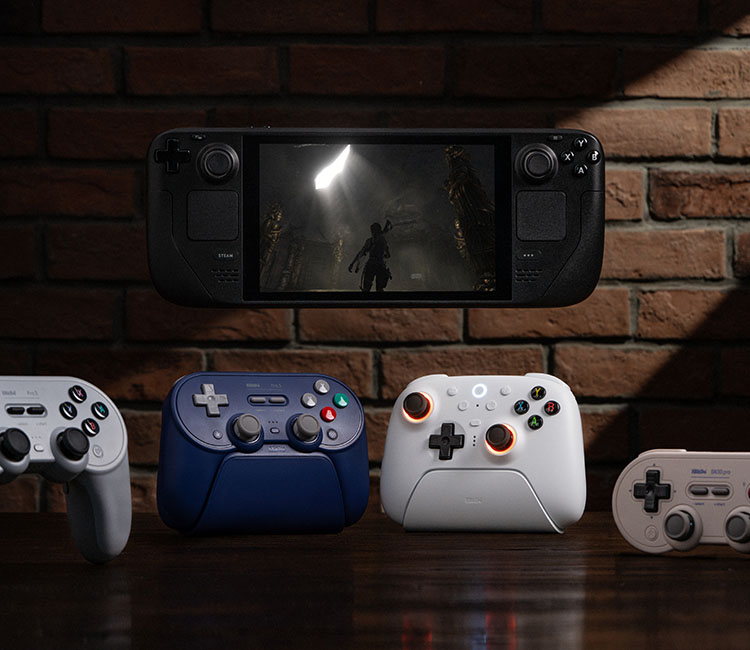
Please put the controller on D-input/Bluetooth mode to pair with Steam®.

SteamOS 3.7.13 or above

Windows 10/11
The controllers listed below and all of their inputs have been optimized to fully work with Steam®.
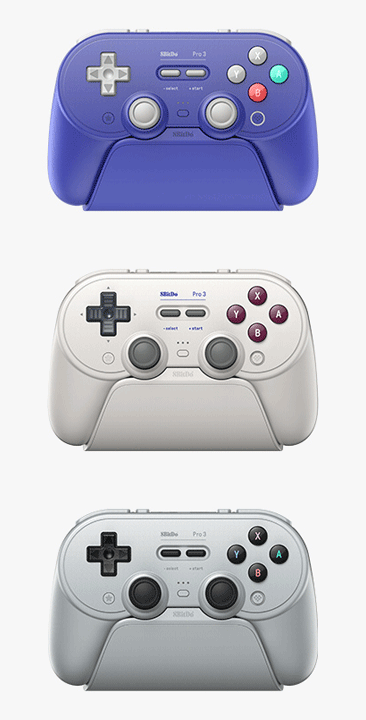
Pro 3 Bluetooth Gamepad
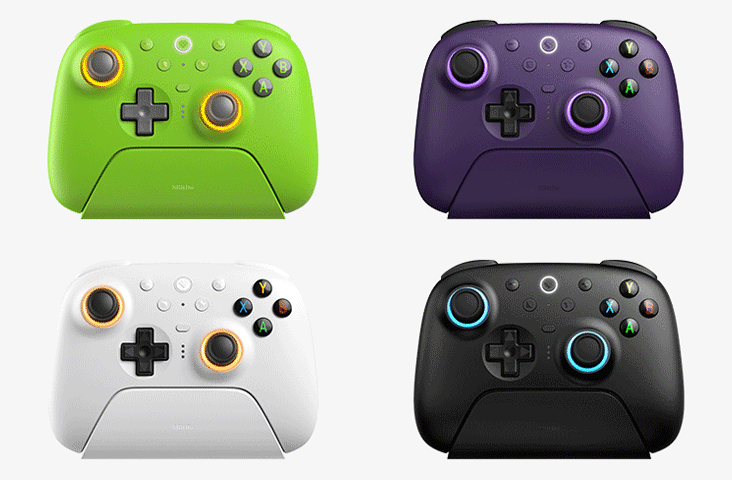
Ultimate 2 Wireless Controller
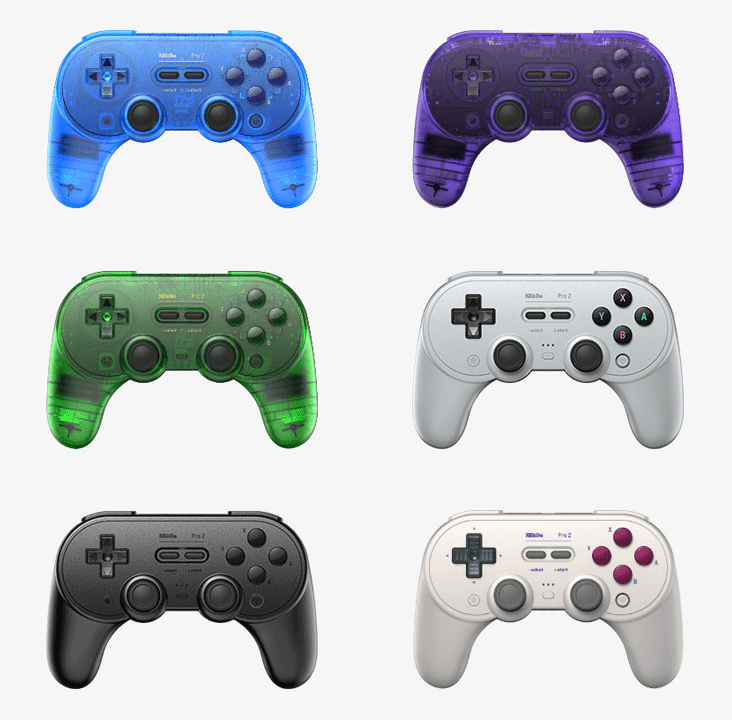
Pro 2 Bluetooth Gamepad
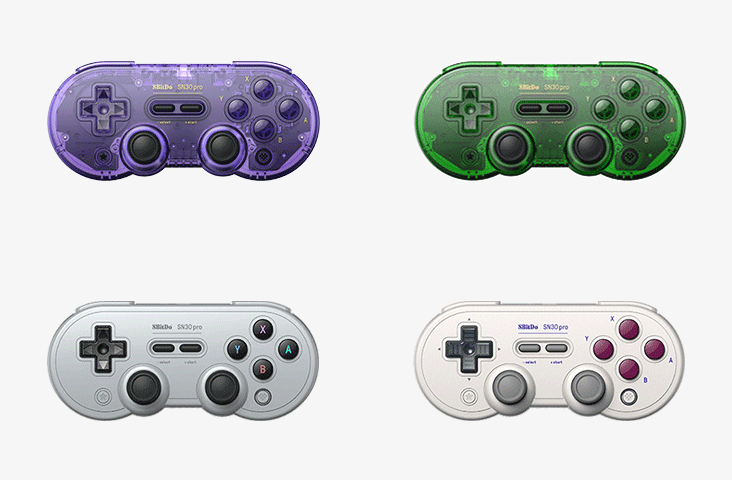
SN30 Pro Bluetooth Gamepad
All features fully supported by Steam Input. Works across your whole Steam Library - no third party drivers needed. Just plug and play.

Adjust gyro sensitivity and dead zones freely. Can be configured as a virtual mouse or joystick for precise motion control.

Supports hybrid input mapping — assign keyboard, mouse, or controller inputs to any button for flexible gameplay setups.

Customize the back buttons and fast bumpers with your preferred commands for quicker access in-game.

Enjoy immersive vibration support across compatible titles for deeper gameplay feedback.

Create and manage personalized profiles that can be loaded instantly across different platforms — your settings, always with you.
A: It offers native support for the Steam Input API without needing third-party drivers. It also includes gyro functionality unavailable in Xinput mode, which can be configured for mouse control or other inputs.
©2025 Valve Corporation. Steam and the Steam logo are trademarks and/or registered trademarks of Valve Corporation in the U.S. and/or other countries.